
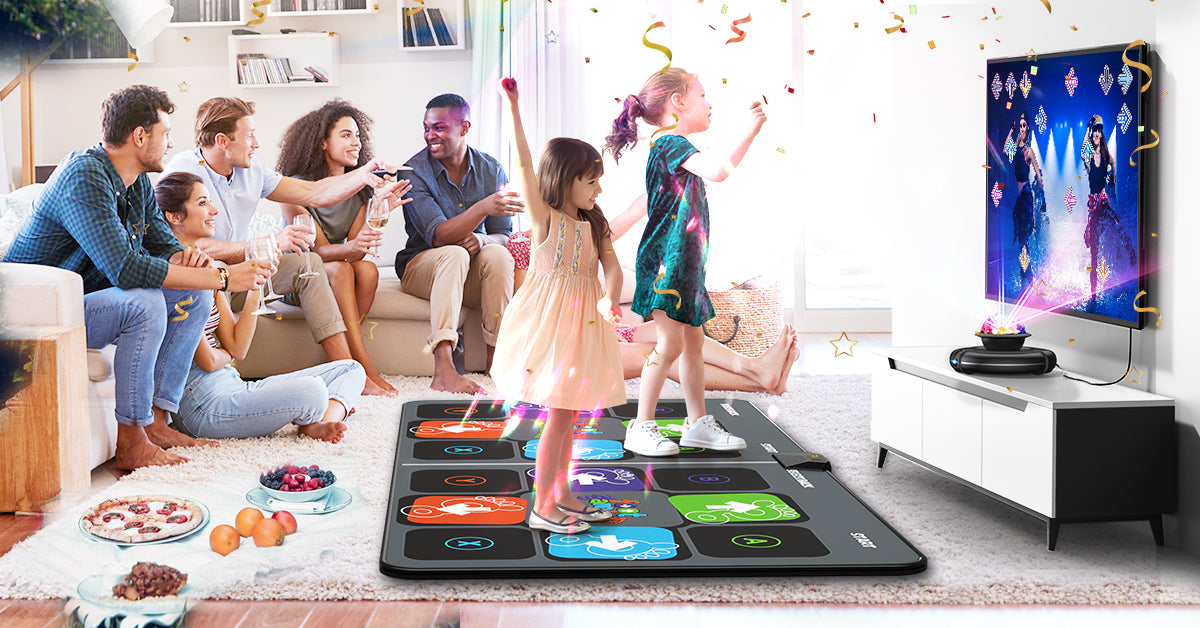
FWFX dance mat with HD camera

Featured collection
View all-

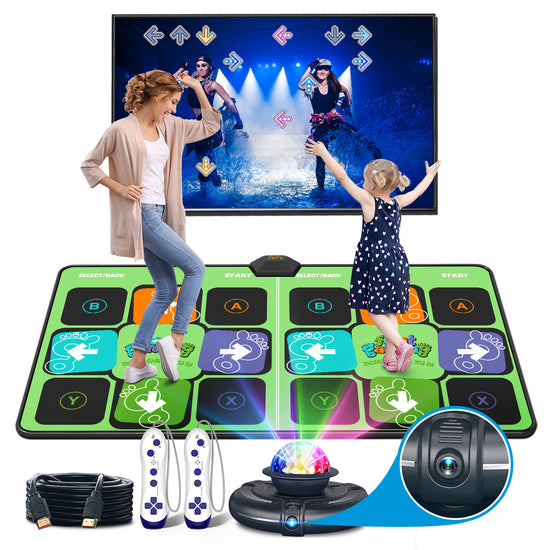
FWFX Dance Mat for Kids & Adults, Interactive TV Fitness System for Family | Plug & Play Offline, 2-Player Dance & Sports Games, Preloaded, Expandable Music, Wireless Dance Pad for Home Workout & Gift
Buy now$259.99
-

-

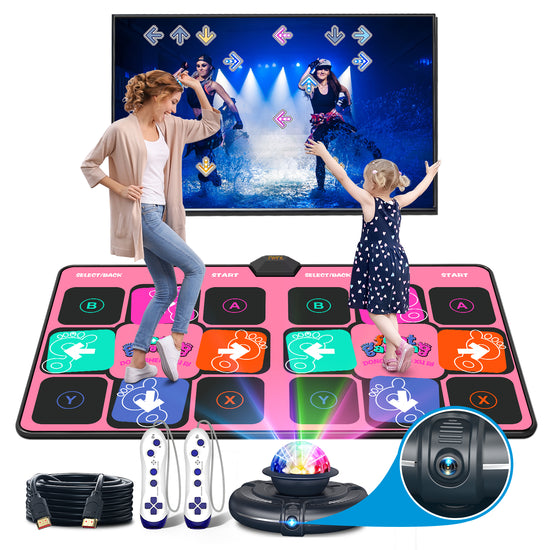
FWFX Wireless Dance Mat for Kids and Adults, Exercise Dance Pad Game for TV | Plug & Play, 2-Player, Multi-functional, Fun Family Fitness, Active Play Game, Expandable Music, No Wi-Fi, Thick PU Workout Mat
Buy now$256.90
-

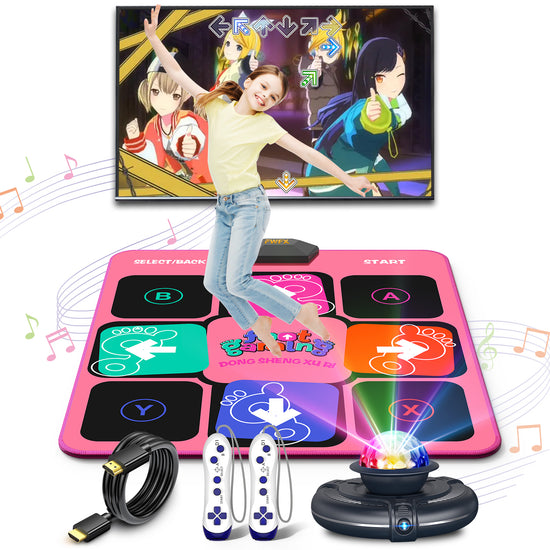
FWFX Dance Game Mat for Kids and Adults, Interactive TV Home Gym System | Plug & Play Offline, 2-Player, Dance & Sports Games, Preloaded, Expandable Music, Christmas Gift for Family Game & Playdates
Buy now
$259.19 -

FWFX Kids AR Motion Gaming Console – Plug and Play Active Play System | AI Motion Tracking+ Gamepad, Preloaded Games. No Wi-Fi, Ideal for Indoor Active Play, Playdates, Birthday Gifts for Ages 4-12
Buy now$159.69
-

-
-
-


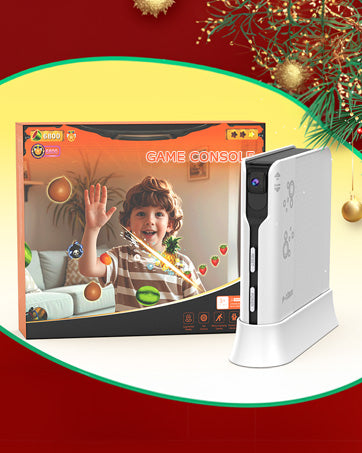
2026 New released
FWFX Kids Video Game Consoles for TV - Plug and Play Motion Sensor Games with Active Play System for Indoor Physical Activity, Interactive Fun for Boys Girls
HAPHOM dance mat
-
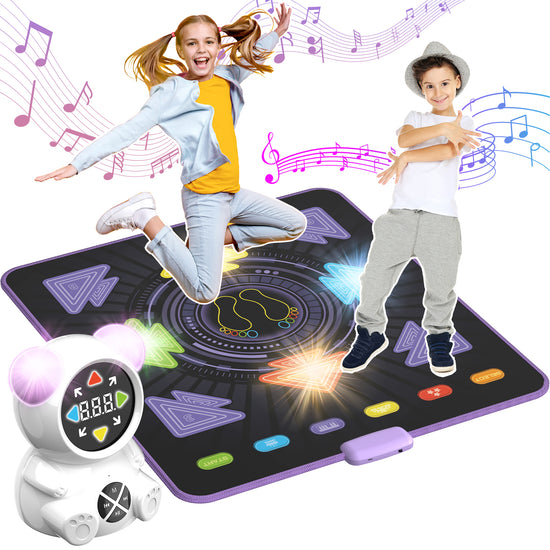
2026 NEW Upgraded Rechargeable Bluetooth Dance mat with Music Player
Buy Now -
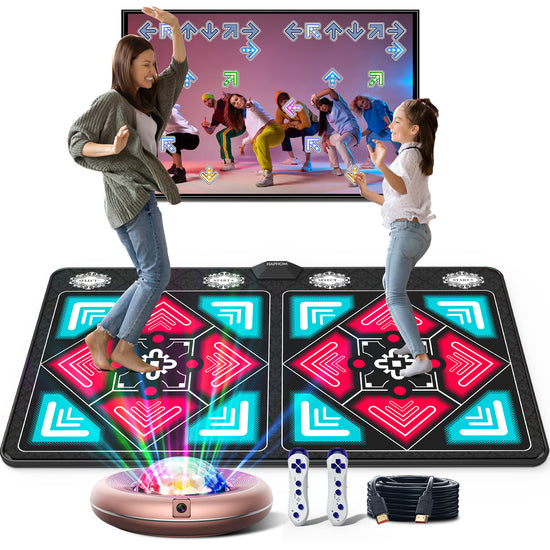
Dance Mat for Kids and Adults, Anti-Slip Wireless Electronic Dance Pad for TV, Plug and Play Sports Dance Mat Game with Smart Camera and 2 Controllers, Gift idea(Classic Snowflake)
Buy Now -
Dance Mat for Girls Boys - Wireless Dance Pad for TV with Camera, Plug and Play Double User Dance Mat Game, Danceing Mat for Family Games, Christmas and Birthday Gift Toys for Kids and Adults
Buy Now -
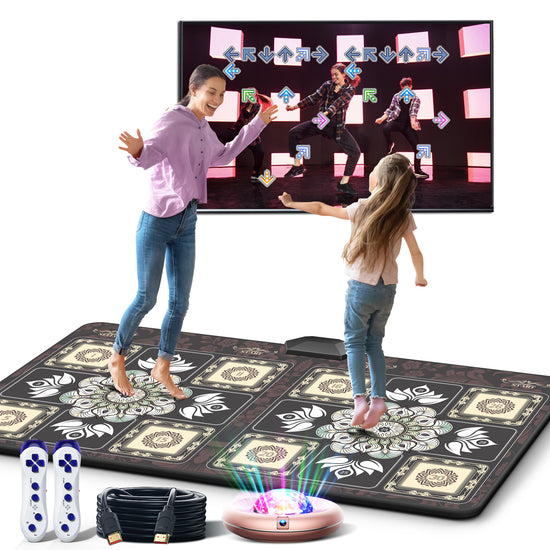
TIK-Tok Dance Mat Game for TV, Christmas Colors Wireless Plug and Play Wrinkle-Free & Non-Slip Electronic Dance Mats, Exercise Dance Pad with Camera for Kids and Adults, Boys & Girls Gifts Toy
Buy Now
How do I hook up a device to my TV?

► TV Connection Guide
Use a USB cable to link the host and the power supply, then connect the HDMI cable of the host to the HDMI high-definition interface of the TV, and the TV is adjusted to the corresponding channel. Turn on the power button of the host, the red light turns on. Place batteries in the dance mat, turn on the power button of the dance mat, and you are set.
► Important notes:
1. Compatible with HDMI (Standard Type-A: 14mm wide × 4.5mm thick) enabled devices: Smart TVs, gaming monitors, projectors. Plug & play offline. No internet or Wi-Fi required.
- Sound outputs through the connected device's speakers (ensure playback device volume ≥50%). If external speakers are connected, temporarily disconnect them to test TV audio.
2. Dance mat and wireless controller requires 6 AAA batteries (sold separately).
3. Never plug the console's USB power cord directly into your TV's USB port. Always plug it directly into a wall outlet instead.
4. When the dance mat is folded or not in use, always turn off its power switch or remove the batteries.
-
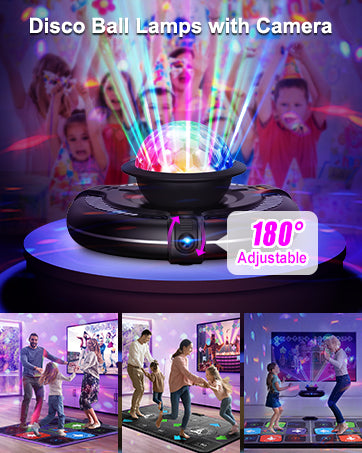
DISCO BALL LAMPS WITH CAMERA
- 180° adjustable angle high-definition smart camera .
- The bright 7-color strobe light flashes in various colors, creating a gorgeous visual effect.
-
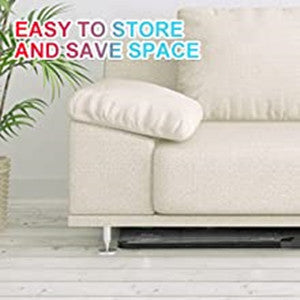
EASY TO STORE AND CLEAN
Foldable design, saving space, easy to carry and store. Easy care by wet towel wipes to clean.
-
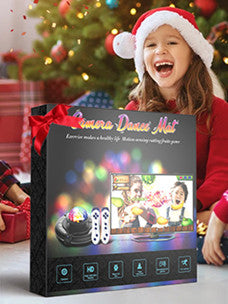
GREAT GIFT - EXQUISITE PACKAGING
Great for birthday, party, Christmas and other festivals or visiting gifts for kids, friends and families.
